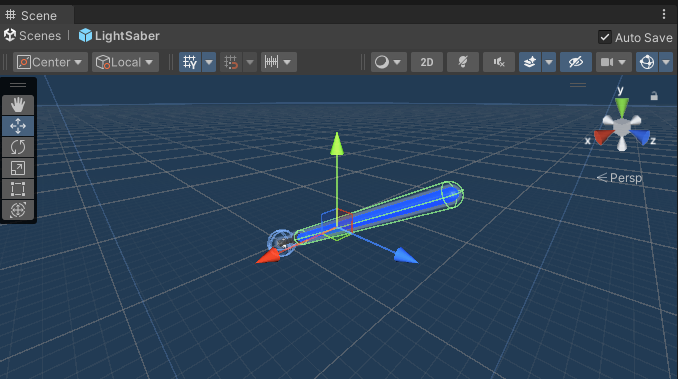
#1 Introduction and Setup
Embark on Your VR Game Development Journey with Beat Saber: A Step-by-Step Guide from Setup to Play
Oct 31, 20232 min read55

Search for a command to run...
Series
Embark on Your VR Game Development Journey with Beat Saber: A Step-by-Step Guide from Setup to Play.
Building a Beat Saber Game in Unity for VR.
https://github.com/Akash3121/Beat-Saber-Game-VR
Embark on Your VR Game Development Journey with Beat Saber: A Step-by-Step Guide from Setup to Play
If you're a proud owner of an Oculus Quest 2 and aspire to dive into game development or simply want to sideload apps like Beat Saber, enabling developer mode is your gateway. Here's a step-by-step guide to help you unlock the potential of your Oculu...
In this blog, I'll guide you through the initial setup and project creation for our epic Beat Saber VR game. Step 1: Unity Hub Setup Open Unity Hub, the command center for your game development endeavors. Create a new project by selecting the 'New ...
Introduction In the world of software development and collaborative projects, effective version control is paramount. Git, a distributed version control system, stands out as a robust solution. Additionally, for handling large files, Git Large File S...
Introduction: Welcome back to our Beat Saber game development journey! As we open our Unity project, the canvas of our game development saga begins with the default "Sample Scene." In this fifth installment, let's transform this canvas into a realm o...

Introduction: In this sixth installment of our Beat Saber game development series, we're diving into the heart of lightsaber mechanics. Today, we'll explore how to dynamically control the activation and deactivation of our lightsaber blade, complete ...